
How it works
Send. Edit. Render. Organize.
GIFs are made inside Telegram — in @MakeItGIF_bot or its Studio Mini App. Desktop keeps the collection you already have.
Send
Start with anything that moves.
Drop a video, photo, or file in the chat. One tap converts to GIF.
MakeItGIF
@MakeItGIF_bot
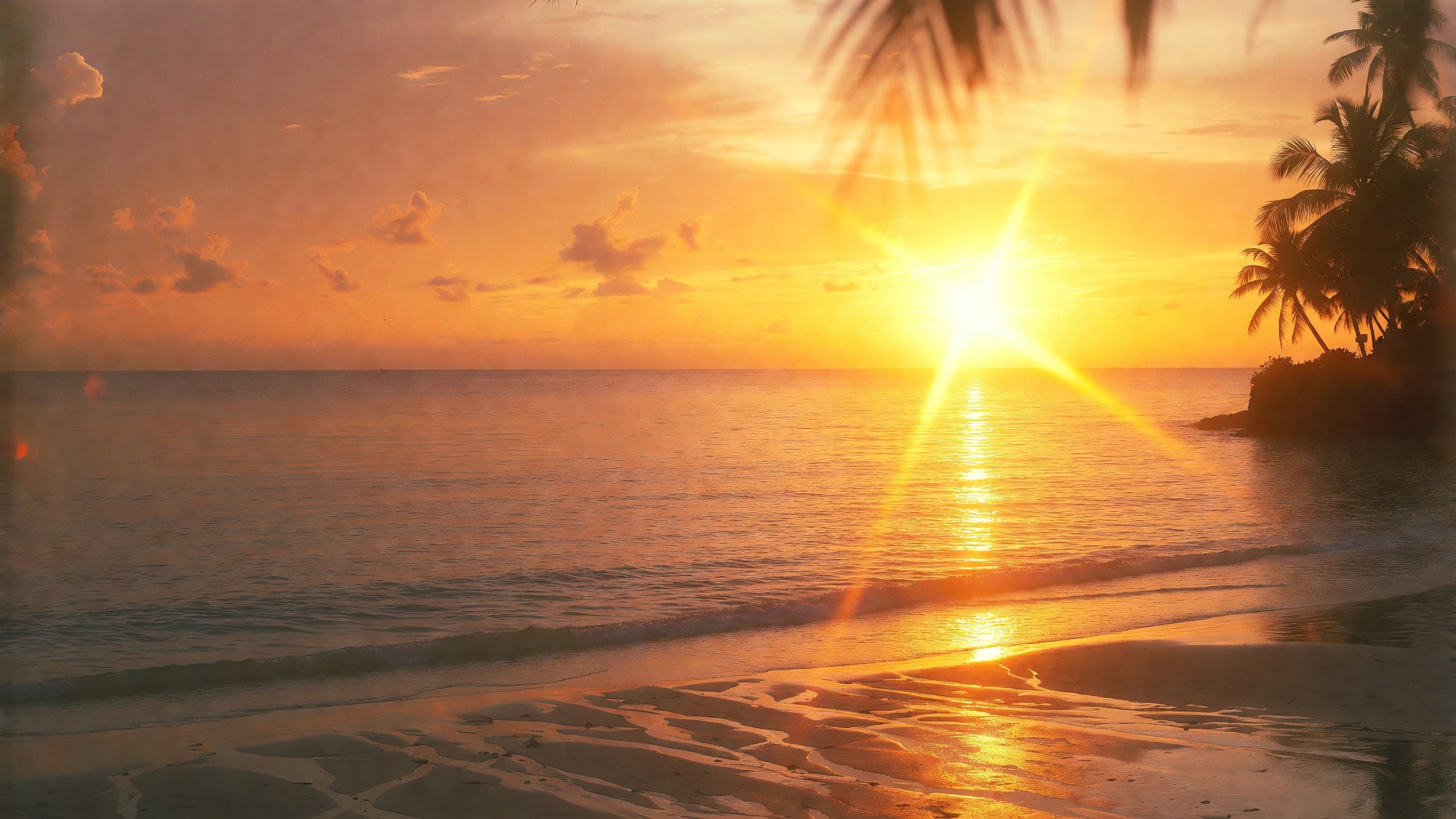
beach-day.mp4 · 8.2 MB
Convert to GIF?
Convert to GIFOptions
Ready
beach-day.gif · 2.1 MB · 6.0s · loops
- container & codec
- really animates
- size within policy
Chat commands
If you prefer typing.
| Command | What it does |
|---|---|
| /start | Meet the bot and see your daily allowance |
| /help | Every command and flow, explained in the chat |
| /settings | Default format, quality, and preferences |
| /status | Conversions left today, premium status |
| /premium | Premium perks and Telegram Stars checkout |
| /link | One-time code to link the desktop Library |
| /privacy | Privacy notes, right in the chat |
| /support | Reach support |
| /paysupport | Payment-specific help |
Video in. GIF out.
Pick a surface. Send something.
No sign-up. No install. Open Telegram now, or wait for Desktop if you want a local library.